
 Anonsms
 NotifyPartners


Being unable to reach a friend, family member, partner, or colleague can be very frustrating. One day you’re communicating normally, then suddenly, your texts won’t deliver, calls fail, and their profile seems to vanish. At this point, you’re left wondering: have I been blocked?
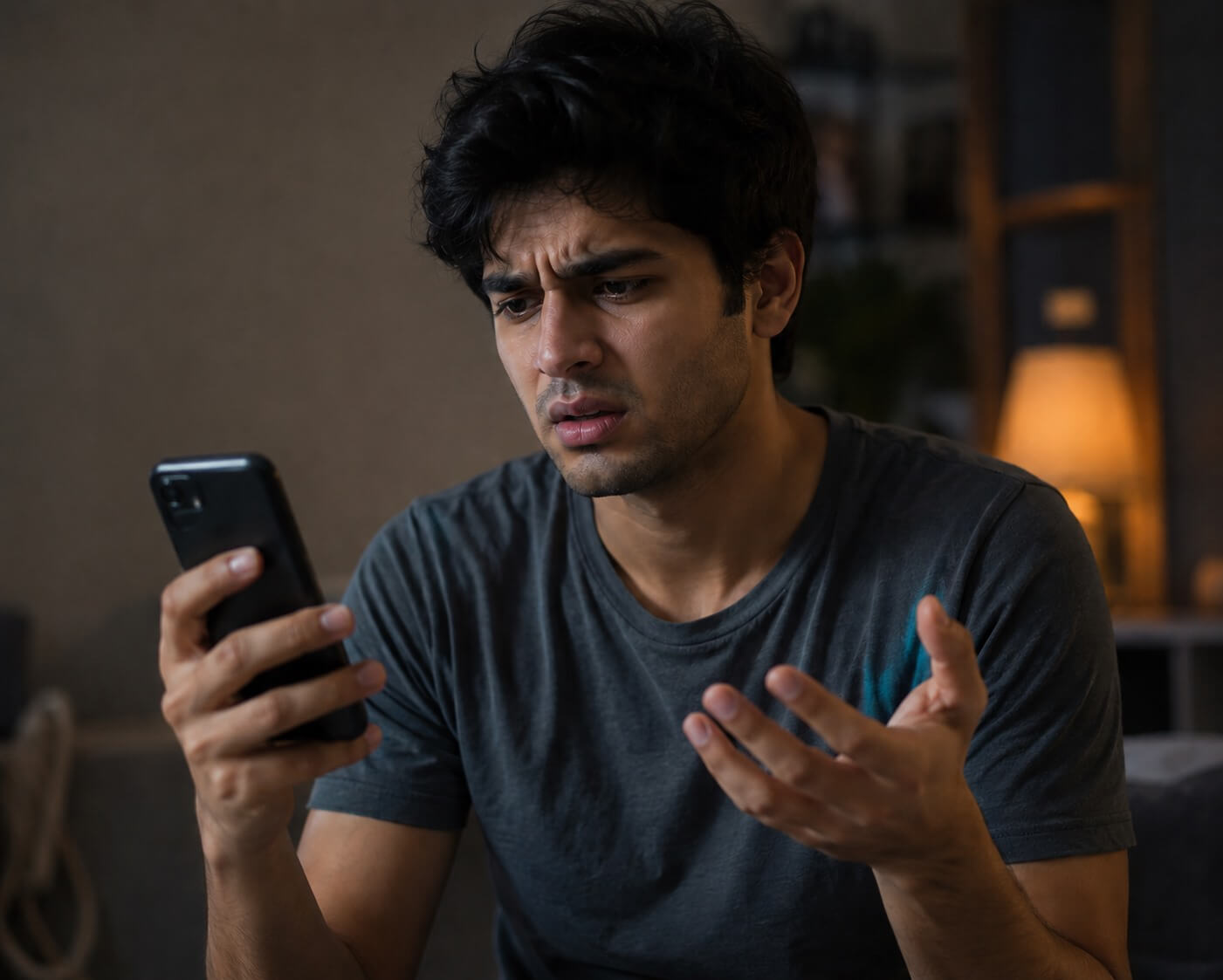
No platform gives a direct notification, but there are several signs that may indicate if you’ve truly been blocked.
In this guide, you will learn how to know if someone blocked you on phone, messaging apps, or social media platforms. We also provide reliable alternatives of how to call and text someone who blocked you.
Quick Answer: 9 Signs Someone May Have Blocked You
Here are some of the most common signs you will notice when someone has blocked you.
1️⃣ Your Calls Go Straight to Voicemail Every Time
One of the quickest methods of how to know if someone blocked you on phone is to call them. If your call rings exactly once or just half a ring before going to voicemail, it could be a sign that your number has been blocked. If you’re not blocked, you’ll usually hear four or five rings before you’re directed to voicemail.
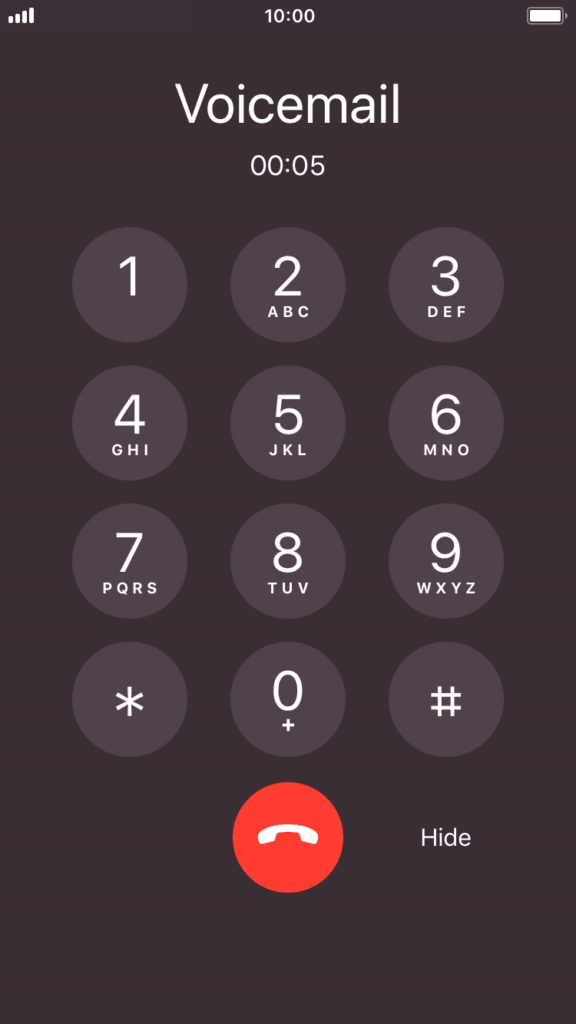
While this can sometimes happen if the person’s phone is off, out of signal, or in airplane mode, repeated occurrences often suggest your number has been blocked.
2️⃣ You Receive Automated Carrier Messages
Certain automated responses may also indicate that your calls are being restricted. Messages like “the person you are trying to reach is not accepting calls at the time” or “the number you are trying to call is unavailable” are indicators that the recipient may have blocked you.
However, these phrases are not always reliable proof that you’ve been blocked. It may be due to network issues, disconnected lines, or temporary service problems. But if you keep hearing these responses after multiple attempts, it’s likely that you’ve been blocked.
3️⃣ iMessage Won’t Show “Delivered” or “Read”
Another easy way to tell if someone has blocked you is to pay attention to the delivery status whenever you send him/her an iMessage on your iPhone.
When an iMessage is successfully sent, it normally shows a “Delivered” label beneath the message bubble. If the person uses read receipts, that status will change to “Read” after they open the message. If you stop seeing either status consistently, it’s a sign that you’ve been blocked.
In some cases, the iMessage blue bubble may change to green, meaning the text wasn’t sent through iMessage but as a regular SMS.
4️⃣ They Don’t Appear in Your Suggested Contacts List
Both Androids and iPhones use predictive features to suggest contacts when you start typing a name or number in your phone app. These suggestions are usually based on past calls, saved numbers, or frequent communication.
When someone blocks your phone number, they no longer appear in your suggested contacts list.
5️⃣ Calls From a Different Number Goes Through
The most definitive method of how to know if someone blocked you on phone is to try calling them from another number. If the calls from your usual number goes straight to voicemail, but a different number rings normally, you’ve got your answer.
Blocking is linked to a specific phone number only. So, switching numbers can help you tell whether it’s a technical issue or an intentional block.
6️⃣ You Can No Longer See Their Online or Active Status
On apps like WhatsApp, Telegram, Signal, Discord, and Messenger, seeing someone’s “online”, “active now”, or “last seen” status is normal. How to know if someone has blocked you is when you notice a sudden disappearance of this online or active status. On WhatsApp, the “last seen” disappears. Telegram hides the “last active” timestamp and Messenger stops showing the green dot that signals activity.
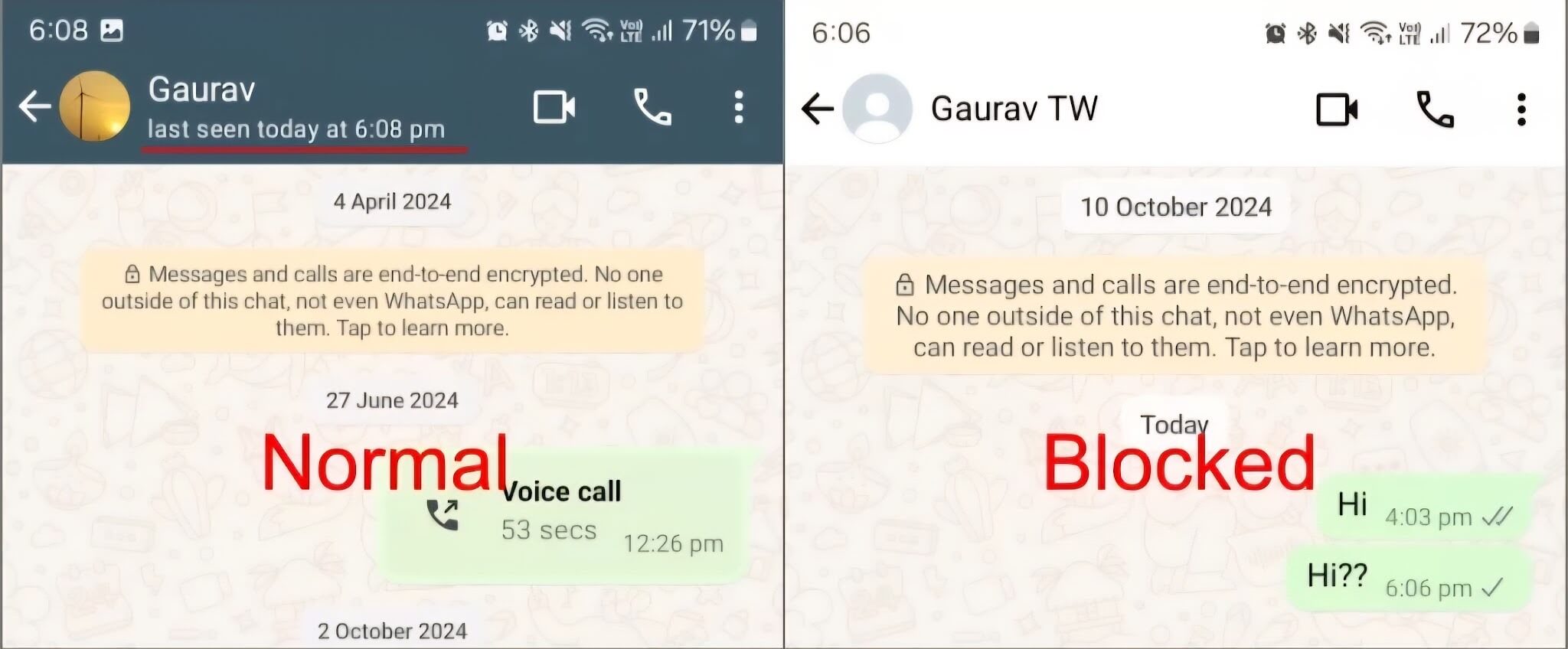
Although people can now hide these details in their privacy settings. But if the change is sudden, it’s a possible sign that you’ve been blocked.
7️⃣ Their Profile Photo Suddenly Disappears
A missing profile photo is another subtle sign. On WhatsApp, if someone blocks you, their picture vanishes from your chat list. Telegram and Signal behave similarly, showing only a blank avatar. Messenger, on the other hand, may display a generic silhouette instead of the person’s chosen image.
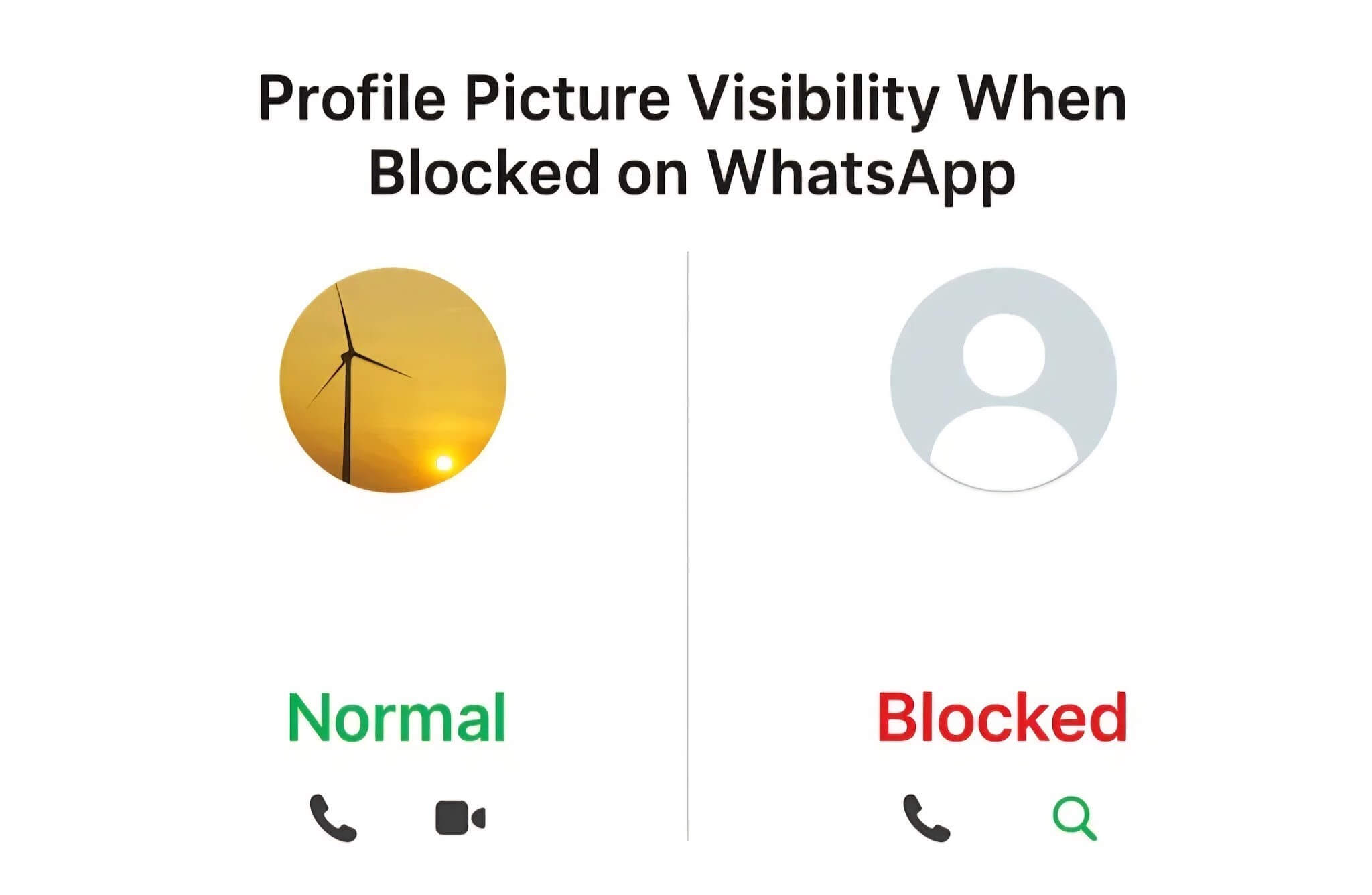
While it’s possible that they simply removed their photo or changed privacy settings, the sudden disappearance combined with other signs, often points to blocking.
8️⃣ You Can No Longer See Their Activities on Social Media
For social media platforms, here are how to find out if someone has blocked you:
- X (formerly Twitter): Of all social media platforms, X is one platform that makes it very obvious that someone has blocked you. When you visit the person’s profile page, it will be explicitly stated that “You’re blocked”.
- Instagram: A clear sign of being blocked on Instagram is visiting the person’s profile and seeing an empty grid. The page will display a text stating there are no posts yet, even if the post count at the top shows a high number.
- Snapchat: When someone blocks you on Snapchat, their username will no longer appear when you type it into the search bar. Your ongoing conversation history with them will also disappear from your main chat feed.
- Facebook: One common sign that you’ve been blocked on Facebook is that you can no longer find the person’s profile through search. Old conversations may remain, but their name would appear as “Facebook User”.
- TikTok: You can tell you’re blocked on TikTok if you search for the account and find a completely blank profile page. The profile will state that the person has no media uploaded. You will also not be able to see their follower’s lists.
- Reddit: A sign that someone has blocked you on Reddit is when their posts and comments suddenly disappear or is unavailable. Clicking on their username will bring up a broken page error instead of loading their profile history.
- Signal: When someone blocks you on Signal, your sent messages will permanently remain stuck with a single checkmark. This means the texts were sent from your device but cannot be delivered to theirs.
- Discord: To check for a block on Discord, try adding a quick emoji reaction to one of their older messages. If the screen shakes and the emoji disappears, they have blocked you.
- Roblox: How to know is that their character avatar will not appear in the search result when you search for their username. You will also receive a “page not found” error if you try to visit their direct profile link.
9️⃣ You Are Unable to Add Them to Group Chats
The ultimate test of telling if someone has blocked you is that you’ll not be able to add the person to a group chat. When you attempt to add him/her to a new group on WhatsApp or Telegram, the app will block the action. You will likely see an error message stating “Can’t add participant” or “Action not allowed”.
How to Call Someone Who Blocked You?
When you’ve been blocked but desperately need to communicate with the person, what should you do?
Here are four simple and effective ways through which you can call someone who blocked you:
Disable Caller ID
For iPhone:
- Go to Settings.
- Scroll down and tap Apps, then click on Phone.
- Click on Show My Caller ID and turn it off.
For Android:
- Open your Android’s Phone app.
- Tap the three dots at the upper right corner.
- Click on Settings and then Calls.
- Tap Additional Settings, then click on Caller ID.
- Select Hide Number.
Dial *67 Before Your Number
- Open your Phone app.
- Tap the Dialpad icon.
- Type *67 and enter the phone number you want to call.
- Press the call button.
Call Using a VolP Service
VolP (Voice over Internet Protocol) services let you make phone calls using an internet connection instead of standard cellular networks. They route your call digitally through the cloud and assign you a temporary or alternative internet-based phone number. Examples are Google Voice, Skype, Zoom, and TextNow.
Call Using a Burner Phone
- Purchase a burner phone.
- Activate it according to the provider’s instructions.
- Make your call.
How to Text Someone Who Blocked You?
In cases where calling won’t work for you, you can send SMS. Here are 4 methods you shouldn’t miss to text someone who blocked you:
Use Anonymous Texting Services
The easiest and most effective way to text someone who blocked you is to use an anonymous texting service, such as Anonsms. It is a web-based, reliable platform used to send messages to any mobile number worldwide.
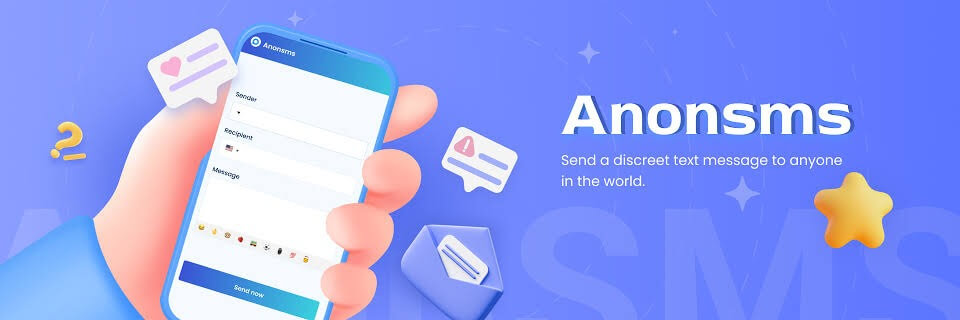
Key Features of Anonsms:
- Anonsms doesn’t retain your personal data or message content.
- It uses end-to-end data encryption to ensure that only you and the recipient can read the message.
- It updates you once your message has been delivered.
- You can send messages to people anywhere across the world.
- Anonsms makes use of point-based plans. No hidden fees.
Steps to Use Anonsms:
- Go to the Anonsms website and select a preferred Caller ID from the options provided.
- Enter the phone number of the person who blocked you.
- Write your message.
- Enter the phone number of the person who blocked you.
- Write your message.
- Click Send Now to make a one-time payment to deliver your message instantly.
Use Google Voice
Google Voice provides you with a separate, fully functional phone number tied directly to your Google account. With it, you can text any mobile number for free, bypassing your original blocking entirely.
- Download and open the Google Voice app.
- Sign in using your active Google details.
- Choose a brand new, custom phone number.
Use iMessage if You Both are iPhone Users
If you both use an iPhone, you can change your outgoing caller ID from the blocked phone number to your email address.
- Open your iPhone Settings and tap Messages.
- Tap on Send & Receive. Then, select Use your Apple ID for iMessage.
- Next, sign in or use another Apple ID (email account).
- Create a New Social Media Account
When someone blocks your primary account on social networks, you can create an entirely new account. This fresh digital identity bypasses previous blocks, giving you a clean slate to send a direct message.
Create a New Social Media Account
When someone blocks your primary account on social networks, you can create an entirely new account. This fresh digital identity bypasses previous blocks, giving you a clean slate to send a direct message.
Conclusion
Being blocked can feel very confusing and frustrating, especially when there’s no clear explanation. However, learning how to know if someone blocked you gives you clarity and helps you take the next step.
While no single sign proves anything with certainty, patterns like failed calls, undelivered messages, missing profiles and restricted interactions on social media, are strong indicators that you’ve been blocked.
Commonly Asked Questions
Still got questions on how to know if someone blocked you on various platforms? Here are quick answers for you.
- How to know if someone blocked you on iMessage?
- The usual “Delivered” status will also disappear under your messages.
- Your phone calls will go straight to voicemail after a single ring.
- FaceTime calls will ring forever without a response.
Check 5 ways to tell if someone blocked you on iMessage
- How to know if someone blocked you on Instagram?
- The person’s profile will display a “No Posts Yet” message.
- Their Followers count will appear as zero and you won’t be able to Follow them.
- All of their previous likes and comments on your posts will vanish.
- How to know if someone blocked you on snapchat?
- Their username won’t show when you search for it.
- Your entire conversation history will disappear from your chat feed.
- Their stories will no longer appear and you cannot view their Snap Score.
- How to know if someone blocked you on Android?
- Your phone calls will ring just once before diverting to voicemail.
- You will hear an automated message saying the number is unavailable.
- You won’t get a notification whether your message was delivered or read.
- How to know if someone blocked you on phone?
- Every call you place to the person will go straight to voicemail
- Their number will no longer appear in your suggested contacts list.
- If you call with another number, the call goes through.
Related articles:
How to Actually Ask Someone a Question Anonymously on Instagram?


 English
  German
  Spanish
  Italian
  Turkish
  French
  Russian
  Portuguese
  Czech
Czech  Finnish
  Danish